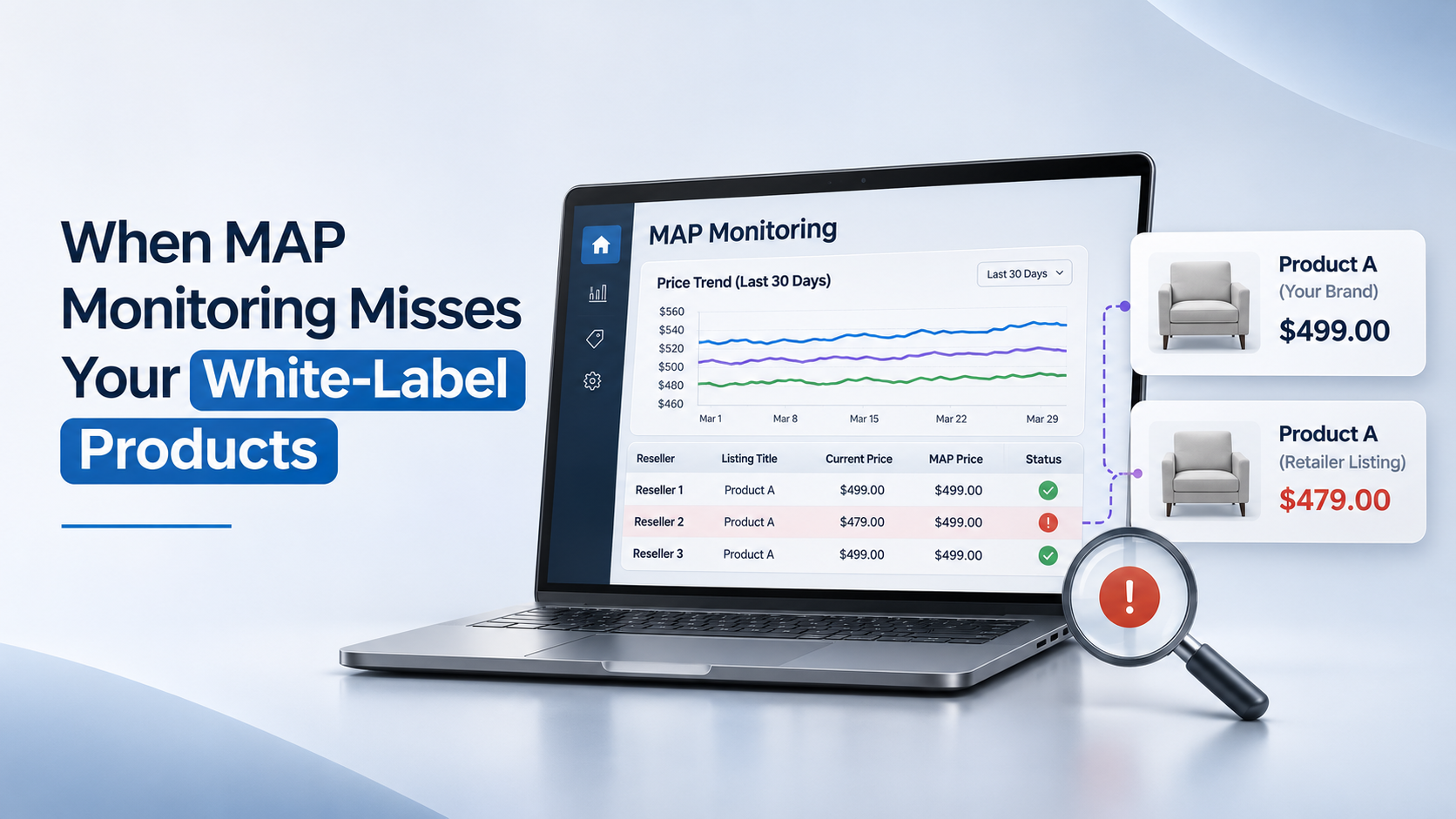
Your MAP monitoring report shows no violations for a retailer. But is the system monitoring the products that retailer actually sells?
If the retailer sells a product you manufacture under its own name and SKU, the listing may not match anything in your monitoring catalog. The price is public and the product is available to buy, but a system that only recognizes your original product identifiers may never check that listing against an applicable MAP policy.
This gap matters for brands that supply white-label or private-label products, sell retailer-exclusive assortments, work with large reseller networks, or manage thousands of SKUs across retail partners.
White-label and private-label arrangements aren’t identical, and neither automatically puts a retailer-branded product under the manufacturer’s MAP policy. That needs to be established first. But where a pricing policy does apply, a missed product match can make an otherwise clean compliance report misleading.
The issue isn’t always how many retailers you monitor. It’s whether the retailer listings are connected to the right products in your catalog.
How Products Slip Through MAP Monitoring
Consider a furniture manufacturer supplying the same sectional sofa to several retail partners. The manufacturer’s catalog has a product name, SKU, and pricing record. One retailer advertises the sectional under a different collection name and retailer-assigned SKU.
| Product Detail | Manufacturer Catalog | Retailer Listing |
|---|---|---|
| Product name | Product A: 3-Piece Sectional | Collection 1: Modular Sofa |
| SKU | MFG-1001 | RTL-2002 |
| Dimensions | 112 in. W x 88 in. D | 112 in. W x 88 in. D |
| UPC/GTIN | Available in the catalog | Not displayed |
Illustrative example. Matching dimensions are a clue, not proof that the products are identical.
In this example, the manufacturer can confirm the product relationship through a retailer-to-brand SKU cross-reference. But if that cross-reference isn’t available to the monitoring process, the retailer’s listing may remain unmatched. A price check tied only to MFG-1001 won’t necessarily find SKU RTL-2002.
The brand’s source catalog can be accurate and still leave this gap. The missing connection is between the product the manufacturer recognizes and the listing the retailer publishes.
What It Costs When Products Go Unmatched
An unmatched listing can stay outside the compliance workflow without generating an alert. If the product is covered by a MAP policy and the advertised price falls below the applicable threshold, the team may not see the potential issue in its standard report.
That can create several problems:
- Channel conflict: Other retail partners may question an apparent pricing inconsistency, even while the brand’s monitoring dashboard shows no issue.
- Pricing pressure: A visible lower price can influence competing offers or trigger internal reviews of channel pricing.
- Manual investigation: Brand and channel teams spend time tracing retailer SKUs back to the original catalog.
- Less confidence in reporting: Once an important listing is found outside the monitored set, teams may need to recheck other clean reports.
There is another risk: a retailer-branded product that looks similar may be a different configuration, bundle, or specification. Treating it as an exact match can create a false MAP alert. Both missed matches and incorrect matches deserve attention.
Why Product Matching Is Harder Than It Looks
Adding more websites or expanding keyword coverage doesn’t necessarily fix a product identity problem. The first task is to establish whether a retailer listing corresponds to a product in the manufacturer’s catalog.
Depending on the assortment, a reliable match may draw on:
- Retailer-to-brand SKU cross-references supplied by the manufacturer or retail partner
- Product identifiers such as UPCs and GTINs, where available
- Titles, descriptions, images, dimensions, materials, and specifications
- Variant and bundle details, including color, size, configuration, and included items
- Historical records linking discontinued or replacement SKUs to current products
These signals don’t all carry equal weight. A similar image or identical dimensions can narrow the search, but neither should be treated as sufficient proof on its own. Uncertain matches need a way to be reviewed, confirmed, or excluded.
Then comes a separate question: does the applicable MAP policy cover that retailer-branded item?
Retailer-owned private-label products may be governed by different arrangements from manufacturer-branded resale products. Retailer exclusives can also have separate pricing rules. Before treating any advertised price as a potential violation, confirm the covered product, the responsible seller, the applicable market, the policy’s effective date, and any approved exceptions. For broader definitions, see what qualifies as a MAP violation.
MAP generally concerns advertised prices, not the final price a retailer chooses to charge. The specific policy determines which advertisements and promotions are covered.
A practical review should check:
- Is the retailer listing an exact match, an approved variant, or a different product?
- Does the policy expressly cover this product and retailer arrangement?
- Was the correct MAP threshold in effect when the price was captured?
- Does an approved promotion, MAP holiday, or product exception apply?
- Is the advertised price current, with sufficient evidence to support the finding?
A MAP alert isn’t the same as a confirmed MAP violation. That distinction matters when findings are exported to Salesforce or another CRM, or used to prepare retailer communications. A sensible workflow verifies the product match, checks policy coverage and exceptions, and gives the responsible team a chance to confirm the finding before enforcement action.
Questions to Ask a MAP Monitoring Provider
If your assortment includes differently named retailer products, don’t evaluate a provider only on products with matching brand names and UPCs. Show them listings your current process struggles to recognize.
- Can you connect a retailer-assigned SKU to the manufacturer product when the public names are different?
- Which product identifiers or retailer cross-references do you need from us?
- How are uncertain matches handled, and who approves them?
- How are variant changes, discontinued products, and replacement SKUs maintained?
- Can different MAP rules and approved promotional windows be applied to the right products?
- Can our team validate findings before they’re recorded or used for retailer outreach?
- How can we see which products or retailer listings remain unmatched?
Use a focused pilot instead of relying only on a standard demonstration. Include a white-label listing, a retailer-exclusive configuration, an approved promotion, and one historically difficult SKU match. Confirm which of those items are actually subject to your MAP policy before testing the alerts.
For a broader evaluation checklist, see the mistakes to avoid when selecting MAP monitoring software.
Think your MAP reports may be missing retailer-branded listings? Discuss a MAP monitoring audit with GrowByData to review the matching challenges you want to test.
What Success Looks Like
A stronger MAP program doesn’t simply generate more alerts. It gives the team a clearer view of which relevant retailer listings are being monitored, which need review, and which policies apply.
Useful measures include:
- Match coverage: The share of relevant retailer listings connected to a confirmed catalog product.
- Unresolved matches: Listings held for review because the identity evidence is incomplete.
- Alert quality: The share of alerts confirmed after checking the product, price, and policy.
- Review effort: Time spent investigating mismatches, exceptions, and suspected violations.
- Mapping maintenance: Whether new retailer SKUs, assortment changes, and replacements are reflected in the product cross-reference.
None of these measures requires treating every visually similar item as the same product. The point is to make monitoring coverage and uncertainty visible rather than burying them inside a clean report.
How GrowByData Approaches It
GrowByData’s published MAP monitoring guide describes automated, human, and hybrid product matching, SKU-level monitoring, screenshot evidence, and settings for MAP holiday windows. Those capabilities are relevant when brands need to connect product data with retailer listings and examine potential pricing issues.
The important scoping question for a white-label or retailer-exclusive assortment is what identity evidence exists and which policy applies. Differently branded listings, retailer-specific SKU mappings, and any review or CRM workflow should be validated against your actual catalog and requirements rather than assumed to be covered by default.
For an overview of the monitoring service, see GrowByData’s MAP monitoring solution.
Start With the Right Products
White-label and retailer-exclusive assortments can create blind spots when product names and SKUs change between the manufacturer’s catalog and the retailer’s website. But the answer isn’t to label every similar-looking listing a violation.
Start by confirming which listings represent the same product, which ones are subject to your MAP policy, and which are still unmatched. Then evaluate monitoring coverage and potential pricing issues against that verified product set.
Before trusting a clean MAP report, ask: Are we monitoring the right products in the first place?
If you manage a complex retailer network, request a MAP monitoring demo or audit to discuss how product matching fits your assortment.